Clubs can create their own account to follow their players’ matches. When a player creates a match, they can select the club of player 1 and/or player 2. The club can then view live scores, finished matches, statistics and the history of its players.
Create the match, choose the rules, score points from your phone and share a public link. Family and friends follow the live score without installing an app.
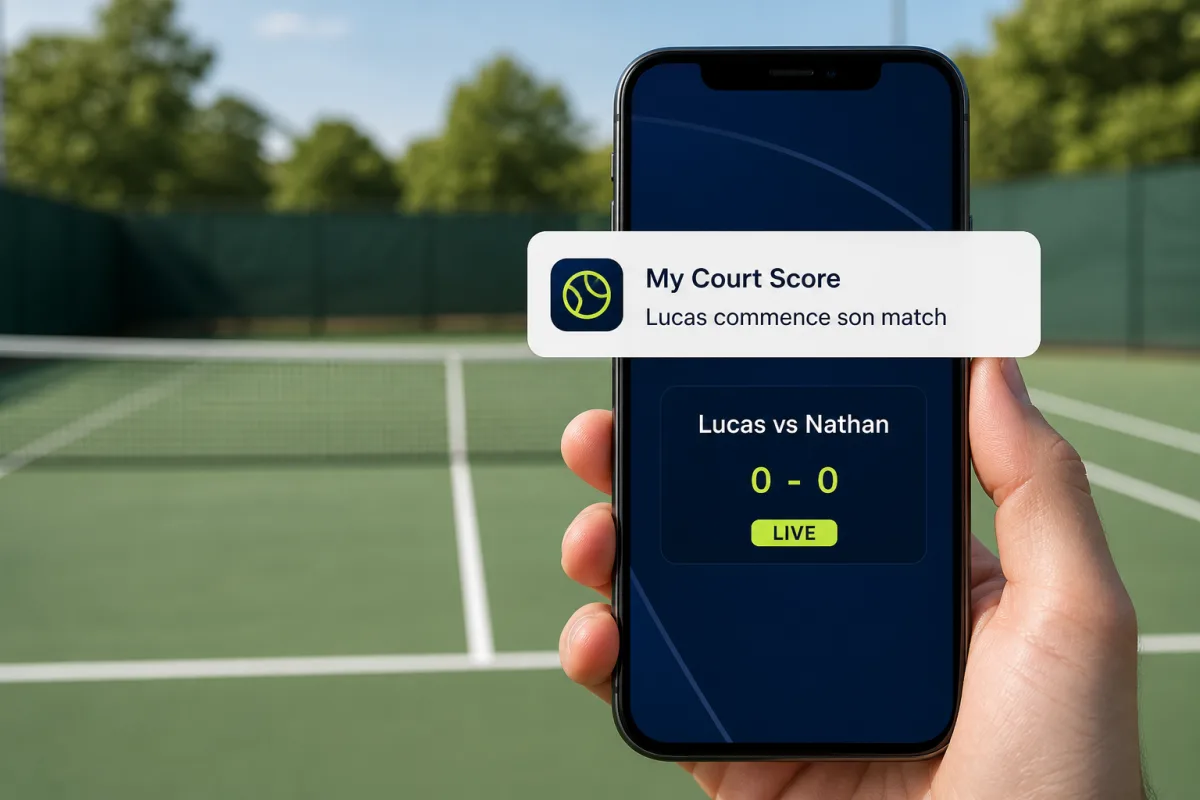
Point-by-point live scoreGames, sets, tie-breaks, super tie-breaks, advantage and deciding point rules are supported.Easy public sharing linkSend the link by SMS, WhatsApp or email so several people can follow the match.Match history and reportsFind your matches, open the admin screen and generate a complete step-by-step report.Controlled public accessMake a match open, password-protected or hidden from the public page.Player following and notificationsSpectators can follow an official player and receive a mobile notification when the match is about to start, then when it has actually started.
Clubs and tournaments
Run a complete tournament with live scores
From the club area, manage registrations, players, groups or knockout draw, courts, times and results. One public page lets players and spectators follow the schedule and live scores.
Create a professional website connected to your club
Present facilities, memberships, teams, news, events, photos and sponsors. Add live scores and tournaments, use your own domain and track website analytics.
When an official player is used in a match, My Court Score automatically links the score to that player profile. Matches, wins, losses, key points and performance can then be viewed in a clear statistics page.
Follow a player and receive the right notifications
Add an official player to your list and get notified at the right time: once when the match is about to start, then again when the first point truly starts the match. The mobile app is available for spectators and player accounts.
Open the live score directly from the notification
Match statistics
Match statistics to understand the flow
Each match can be analyzed from its title or report icon. You can see who is in control, points won, key points, best runs, match pace and point-by-point evolution.
Each match can stay very simple or become more precise. Standard mode lets you quickly choose who wins the point. Advanced mode also records how the point was won for more useful statistics.
Standard mode: one click on the player who wins the point
Advanced mode: also record fault, double fault or normal action
Enabled freely in match rules
More precise analysis after the match when advanced mode is used
Watch Mode: score from a smartwatch
Create the match from your player account, generate a unique code, then use that code on your watch to add points, change the server or undo an action.